What Tasks Can an AI Calling Agent Automate?
See 10 tasks an AI calling agent can handle, from call routing to CRM updates. Help your team spend less time on repeat work.
Sarah Lin
Workflow Automation & AI Strategy
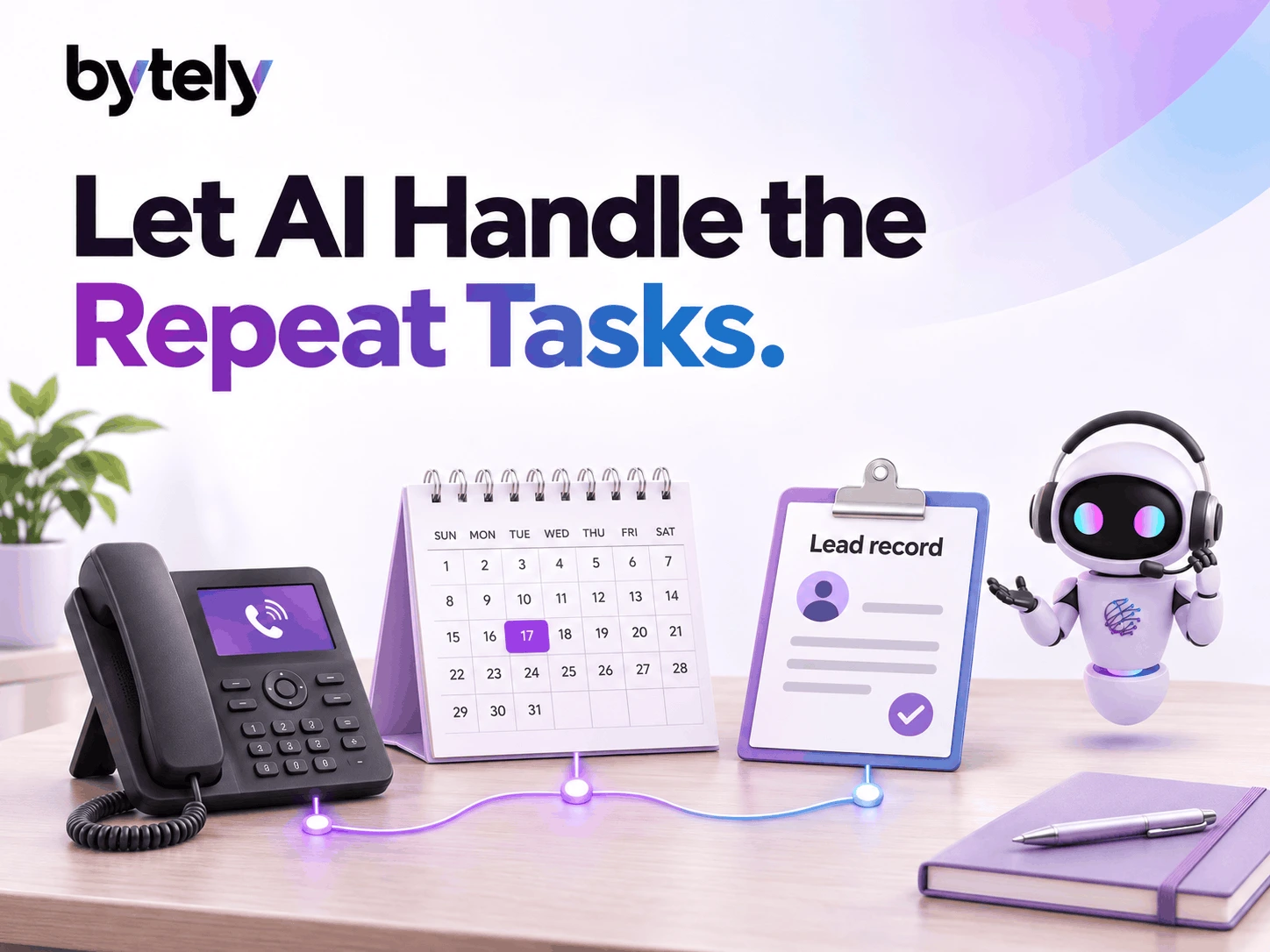
An AI calling agent can answer calls, book visits, capture leads, update customer records, send texts, and route calls to your team. It can also send follow-ups, recall past calls, and write call notes. An AI calling agent for automation takes on these repeat tasks so staff have more time to help customers.
Recent research shows why these tasks matter. In its 2026 customer study, Twilio found a gap in how brands and customers rate AI service. While 86% of companies thought customers felt happy with their AI service, just 51% of consumers agreed. Twilio drew on surveys from 7,652 consumers and 660 business leaders across 18 markets in April and May 2026.
The point for a small business is simple: a fast answer needs a useful next step. A caller wants to book a visit, get help, or reach the right person.
Bytely's AI voice agent, Sarah, handles routine call tasks and keeps people in the process. Here are ten ways that can work.
1. Answer Calls During the Day and After Hours
A customer finds your business on Google and calls. Your team might be on a job, with a client, or home for the night. Without an answer, that caller may try the next business.
Sarah answers customer calls 24 hours a day, 365 days a year. She asks what the caller needs and moves the call toward the next step.
That step might mean a booking, a lead record, or a transfer. Your staff can then focus on the work in front of them.
**Turn an answer into an action**
An AI phone answering service should do more than take a name. Give it a clear path for each common call.
For example:
A new customer needs a visit
Check the calendar and offer available slots.
A caller asks about a service
Answer directly using your verified business facts.
A caller needs a team member
Follow your team's designated transfer rules.
A customer raises a complaint
Route it immediately to the right team.
Start with the calls your staff handle most often. Clear rules help Sarah choose a useful next step.
2. Answer Common Customer Questions
Your team may hear the same questions all day. Do you offer this service? When do you open? How does a visit work?
Sarah uses your business's own knowledge to answer customer questions. You give her the facts you want callers to hear.
This can help staff spend less time on repeat answers. It also gives callers a way to ask in their own words.
**Keep the source facts clear**
Build a short guide that covers your core services, hours, and booking process. Use plain words. Review the guide when your business changes.
Set a clear rule for gaps, too. If your guide lacks an answer, Sarah should ask your team for help. A guess can create more work than a transfer.
An AI voice assistant for business works best when you define what it can answer and when a person should step in.
3. Check the Calendar and Book Appointments
A caller often wants one thing: a time that works. A long chain of calls and texts can make that simple task feel hard.
Sarah checks the calendar and books appointments. She can then send a text with the time. She also alerts your team.
Bytely connects with tools such as Google Calendar, Outlook, and Calendly. Your setup needs to match the way your team books work.
**Give the agent real booking rules**
Decide which times you want callers to book. Set the length of each visit. Tell the agent which types of work need a staff check first.
Google shows how this can work. Its guide to managing bookable calendar slots explains how to show open times. The tool blocks slots when you are busy. That guide covers Google's tool. It does not test Bytely.
For your voice agent, the key is the same: use a clear, current schedule. Do not offer a slot based on a guess.
Ask your team to test a normal booking and a fully booked day. Check what happens when no slot fits the caller's needs.
4. Capture Leads and Update the CRM
A caller's name on a scrap of paper can get lost. A call that ends with no clear record can leave the team unsure who should act.
Sarah creates leads and updates the CRM. A CRM holds your team's customer records. It helps you track each next step.
Your team can use that record to see what the caller needs. They can then pick up the work. No one needs to start from scratch.
**Ask for the facts your team needs**
Choose the key fields for each call type. For a home service lead, your team may need:
- The caller's name.
- The best way to reach them.
- The service they need.
- The address for the job.
- Their preferred time.
Treat these as setup choices, not a fixed script for every business. A car service and a dental clinic need different call flows.
Good lead capture helps your team take the next step. More fields do not always make a better call.
Want to test your own call flow? Request a free demo for your business calls and ask Sarah to handle a common new lead.
5. Send Text Confirmations and Team Alerts
A booking does not end when the call stops. The customer needs the details, and your team needs to know what comes next.
Sarah can send an SMS confirmation and notify staff. Bytely also includes SMS and email notifications.
A clear text gives the customer a quick way to check the booking. A team alert helps staff see the new work.
**Keep each message useful**
Decide what each message should say. A booking text may need the date, time, and next step. A team alert may need the job type and call summary.
Test both sides. Check what the caller gets and what your staff see. Make sure both messages match the booking record.
If a step fails, give your team a way to spot and fix it. The goal is a clear flow from the call to the work.
6. Transfer Calls and Route Complaints
Some callers need a person. A voice agent should help them reach one.
Sarah transfers important calls to a human or dispatch in real time. She also routes complaints to the right department.
That keeps the agent useful without asking it to make every choice. Your team still handles work that needs care, judgment, or approval.
**Set a clear path to a person**
Write rules for the calls that need staff help. For example, your business may want a person to handle a price dispute or an unusual request.
Choose who should get each type of call. Test the transfer while that person is free. Then test what happens when they cannot answer.
Keep the fallback clear. Your team might choose to take a message and arrange a callback. Confirm that flow during setup.
Call routing should make the next step easy. Help the caller and the team.
7. Remember Returning Customers
A repeat caller may have shared their problem just a day ago. Asking them to tell the whole story again can slow the call.
Sarah remembers returning customers and past conversations. That gives the next call a starting point.
Your staff can use the history, too. Call records and notes help them see what the customer has already said.
**Use memory to help, then confirm changes**
Past details provide context. They do not mean every detail stays the same.
A caller may need a new service or a different time. Build a flow that checks the details that matter for the new request.
For example, a returning customer may want another visit but need a new date. The agent can use the past call as context and focus on what has changed.
That gives voice AI a clear role. It cuts repeat work and helps the caller move forward.
8. Send Follow-Ups and Review Requests
Your team may finish a job and move straight to the next one. Routine follow-ups can slip down the list.
Sarah can send follow-ups and review requests. Bytely also includes workflow automation and job completion tracking.
Set the timing and message to match your business process. A review request makes sense after a job ends. An open question may need a staff reply first.
**Separate routine follow-ups from extra campaigns**
Bytely lists missed appointment recovery, customer reactivation, and marketing automation as optional add-ons. Those tools can support broader follow-up plans.
Do not assume every campaign comes with the core call flow. Discuss what you need and confirm the scope before you start.
Keep the message short and useful. Give the customer a clear reason for the follow-up and one easy next step.
9. Record Calls, Write Transcripts, and Create Summaries
Your staff should not have to rely on memory after a long call. A clear record helps them see what happened.
Sarah records, transcribes, and summarizes calls. A transcript turns speech into text. A summary gives your team the main points in a shorter form.
Bytely lets staff search and track each call. They can review a call when they need more context.
**Review the next step, not just the notes**
Check whether the summary captures the caller's need. Then check the action that followed.
Did the booking reach the calendar? Did the lead reach the CRM? Did the transfer reach the right person?
Call notes help staff review the process. They also help you find weak spots in your call flow.
Choose a few calls each week to review. Use what you learn to improve the business knowledge and routing rules.
10. Track Call Activity and Workflow Results
A busy phone line tells you that people call. It does not tell you what those calls lead to.
Bytely includes analytics, performance reports, callback logs, and a dashboard. Your team can use these tools to review call activity.
Define the results you want to track before you launch. That helps you judge whether the flow works for your business.
**Start with a few clear questions**
Staff Details
Did the agent capture the details the staff needed?
Booking Accuracy
Did the booking match the caller's request?
Team Alerts
Did the team receive the alert?
Call Routing
Did the caller reach the right person?
Task Completion
Did staff complete the next step?
These checks matter more than a call count on its own. A good workflow should help the caller move forward.
The tools for call tracking and workflow automation show how Bytely brings these parts together.
How One Call Can Trigger Several Tasks
Here is an illustrative HVAC example, not a customer case study.
A customer calls about a broken AC. In this example, the calendar has a same-day slot from 2 to 4 PM. Sarah checks the slot and books a technician.
She creates a lead in the CRM and sends a text confirmation. Bytely records the call, creates a transcript, and writes a summary.
That one call links several tasks:
Answer the call
Picks up on the first ring with zero hold time.
Understand the request
Identifies the customer's AC issue in plain speech.
Check the calendar
Finds the open same-day slot from 2 to 4 PM.
Book the visit
Confirms the slot directly into the schedule.
Save the lead
Creates the complete customer record in your CRM.
Send the confirmation
Dispatches SMS confirmation and alerts the team.
Keep a record for the team
Stores audio recording, searchable transcript, and summary.
This example needs a clear setup. The team must link the tools and set booking rules. It does not promise same-day slots or a set result.
See the flow with your own questions. Book a free demo of automated call handling and test a booking, a lead, and a transfer.
Which Tasks Should Your Team Keep?
An AI calling agent for automation works best with clear limits. Let it handle repeat steps. Give staff the work that needs a human decision.
Your team should set prices, approve exceptions, and resolve complex disputes. Staff should also review unusual calls and gaps in the business knowledge.
Start with one common task, such as booking a visit. Test it with staff before you add more steps.
Try a caller who changes their mind. Try a full calendar. Try a request that falls outside your services. These tests help you build a clear path for real calls.
Keep the agent's role easy to understand. Sarah takes over repetitive work so your people can focus on work that needs a human.
Why Choose Bytely
Bytely gives your team an AI voice assistant called Sarah. She answers calls and books appointments. She captures leads and updates the CRM. She also follows up with customers, day and night. The tagline says it well: "The Employee That Never Sleeps." You can explore an AI voice assistant for customer call tasks to see where Sarah fits in your day.
Bytely put your call tools in one place. Use its CRM to track each lead. Keep call recordings, transcripts, and summaries. Check callback logs and the dashboard. Use booking tools, SMS and email alerts, and call transfers. Conversation memory helps Sarah recall past calls. Analytics and performance reports help you track the work. Job completion tracking shows where jobs stand. Knowledge training gives Sarah your business facts.
Bytely connects with the tools you use. Calendar options include Google Calendar, Outlook, and Calendly. Other links include Stripe, QuickBooks, and Google Sheets. Zapier and n8n help link your tools. Bytely also connects with WhatsApp, SMS, and email. Field service options include Jobber, Housecall Pro, and ServiceTitan. Website, CRM, and custom API connections offer more paths. Confirm the links you need during setup.
Sarah helps teams across many fields. These include HVAC firms, plumbers, electricians, and locksmiths. Auto shops, car detailers, cleaners, and other home service teams can use her too. Bytely also serves restaurants, clinics, dentists, and med spas. Black car, dispatch, and property teams can build their own call flows. So can law, insurance, construction, and real estate firms. Each team can shape the flow around its own work.
Optional add-ons let you build on that base. They include website chat support for visitor questions and leads, WhatsApp AI, SMS AI, and email AI. Review management helps with your review process. Missed appointment recovery and customer reactivation support follow-ups. Marketing automation offers more ways to reach customers. You can add an AI dispatch assistant or after-hours support. Custom workflows and API integrations link more steps. Other extras include voice broadcasts, email reports, and knowledge base AI. Ask which add-ons fit your needs.
You can review monthly plans and call usage costs as you weigh your call volume and workflow. Bytely offers a free demo, so you can see Sarah in action before you choose your next step.
**Start Building Your AI Workforce:** Contact the team for a free AI voice agent demo.
Conclusion
An AI calling agent can handle calls, bookings, lead capture, CRM updates, texts, follow-ups, routing, and call notes. Start with a clear task. Connect the right tools, test the full flow, and keep a path to a person. Judge success by whether the caller gets the help they need.
Key Takeaways
- An AI calling agent answers calls 24/7/365, books calendar appointments, and updates CRM records in real time.
- Twilio's 2026 study found 86% of companies believed customers felt happy with AI service, but only 51% of consumers agreed—making helpful, actionable steps crucial.
- Clear escalation rules ensure complex questions, disputes, or pricing approvals transfer instantly to human staff.
- Bytely integrates directly with Google Calendar, Outlook, ServiceTitan, Jobber, Housecall Pro, QuickBooks, and custom APIs.
- Automatic recording, transcription, and summarization give staff searchable records without manual note-taking.
Frequently Asked Questions
Ready to eliminate missed calls and automate booking?
Book a live 15-minute walkthrough to see how Bytely AI Voice Assistants handle inquiries in real time.
Related Articles
How AI Voice Agents Handle Phone Calls Without Human Intervention
See how an AI voice agent answers calls, books jobs, and updates your CRM on its own. Learn how Bytely's Sarah works for local businesses.
How to Handle High Call Volumes Without Hiring More Staff
Too many calls and too few hands? Learn 7 simple ways to handle high call volumes without hiring, and see how an AI voice agent helps.